November 6, 2025
Who wouldn’t want to go bowling with siege tools?
Side View – Big Picture
I rendered this side view with some of the walls down in order to show the whole sequence without any cuts or camera movement.
A few things that you may notice in the side view:
- The lower half of the Rube Goldberg machine goes a lot faster than it does in the final animation. This is because in the final animation I slowed it down in post-production in order to make the scene easier to follow since there’s a lot more camera movement in the 2nd scene.
- The whole machine actually is one continuous machine. In the final animation, I have two different scenes in order to transfer from the top level to the bottom level, and there’s actually some overlap in the scenes in order to make it easier to follow the movement of the ball. The first scene covers frames 1-225 and the second scene covers frames 150-900, so there’s a 75 frame overlap between the two scenes.
- A lot of the physics isn’t really as good as I make it seem in the final animation. For example, if you pay attention, you’ll see one of the small bowling pins slide to the right and eventually fall through the floor and land on the bottom floor. With the way I position the camera, you don’t see this in the actual animation. The plunger also goes a little crazy once it’s no longer in frame. The plunger was a really high-poly model, and I don’t think the physics engine liked that.
- The walls of the bowling alley are different heights. I downloaded the bowling alley model, and unfortunately the walls were not large enough to fit my trebuchet. I had to be creative with extending the walls I could. For the left wall, the textures got super messed up when I tried to extend the wall upwards, so I had to do some creative retexturing with a brick texture to get something that looked ok.
Storyboards
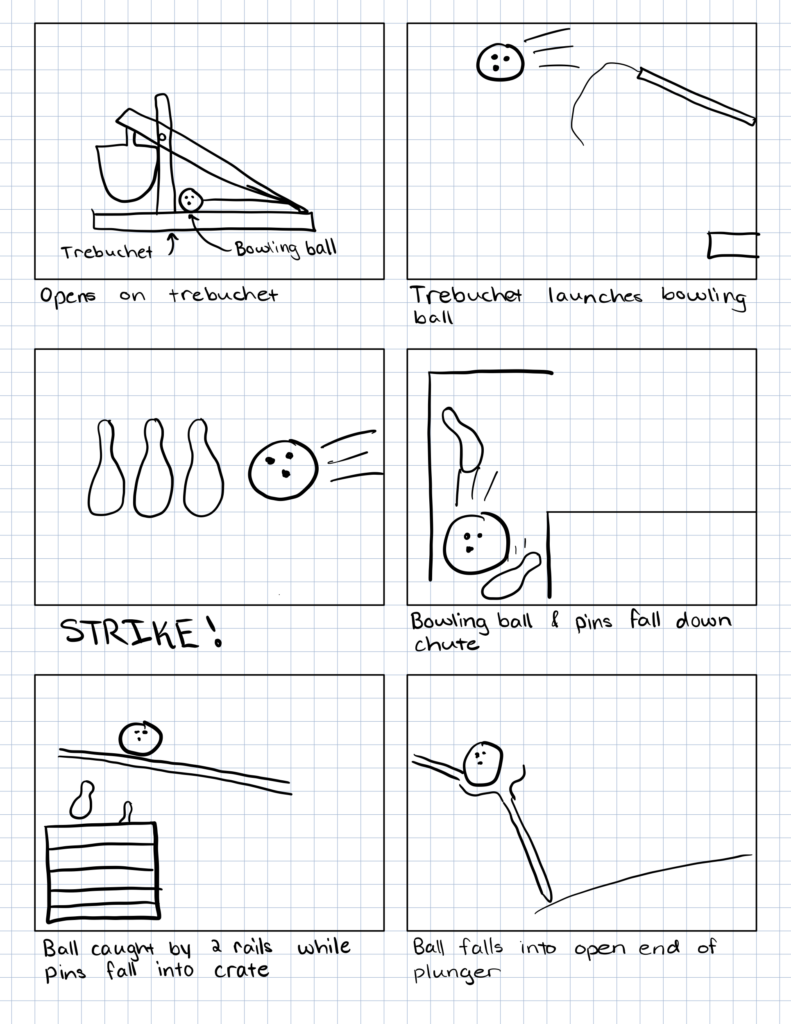
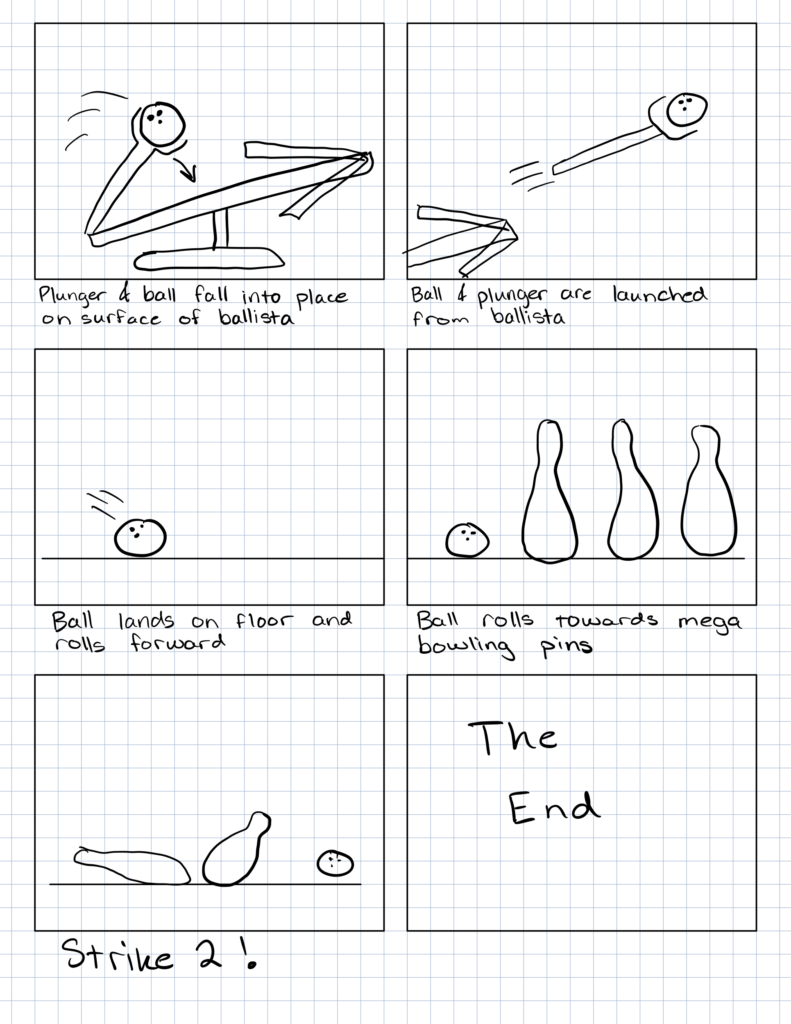
Participating Objects
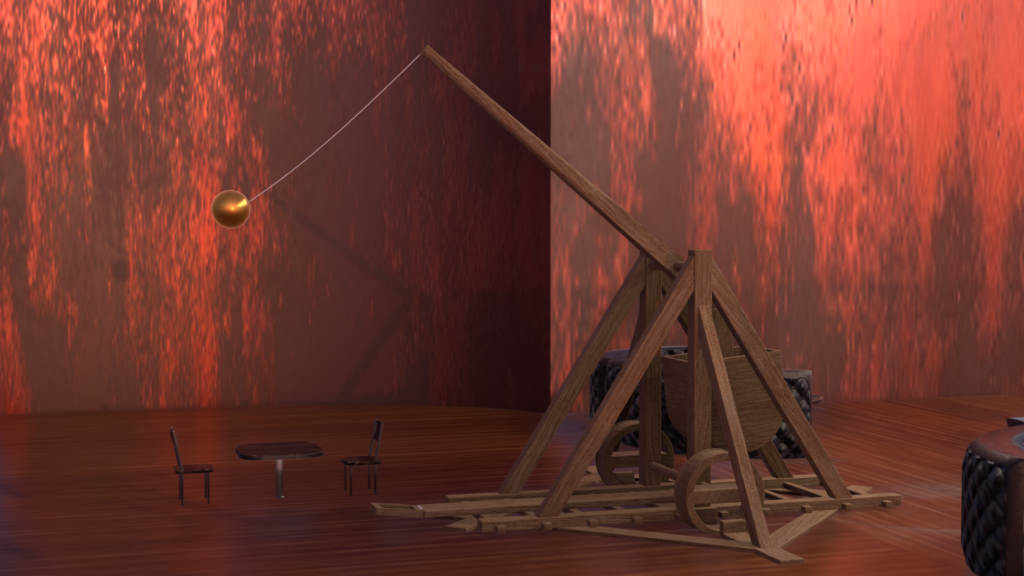
Trebuchet
The rope was so hard to get right – don’t look too close
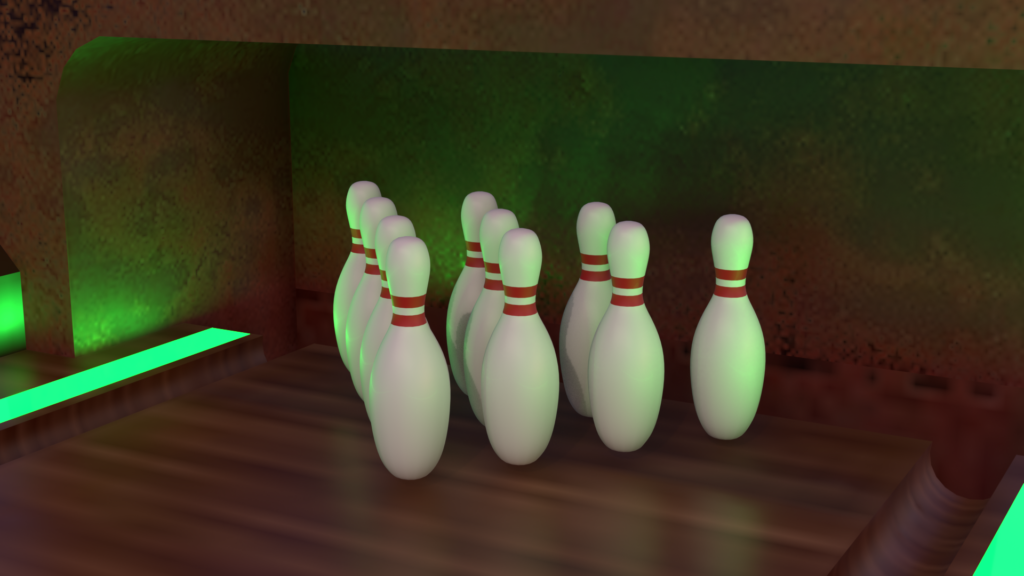
Bowling Pins
It took a lot of effort to put the ball just right to get a strike
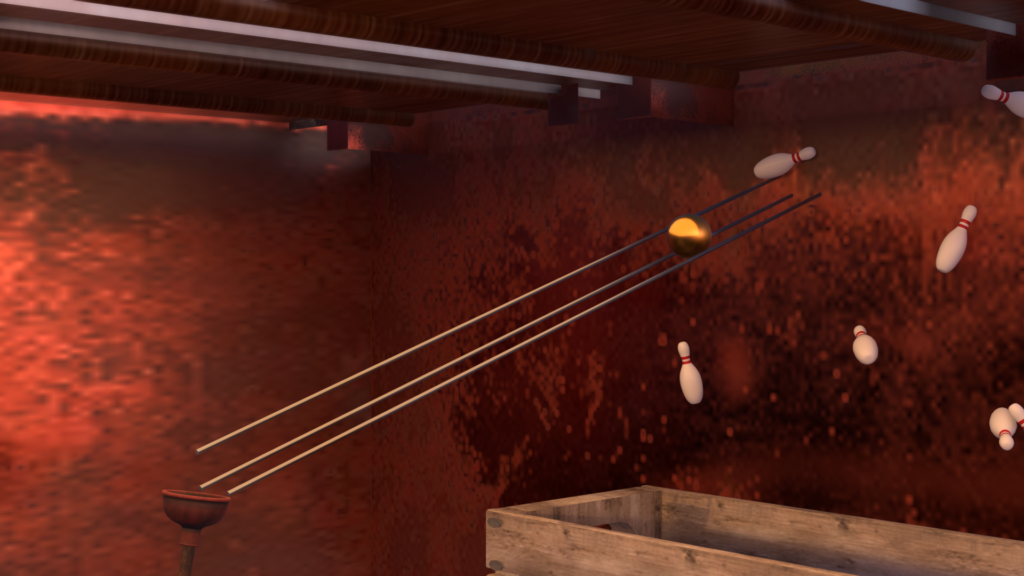
Rails
I got tired of repositioning the two main rails every time the physics updated, so I added the 3rd rail to bump the ball into place
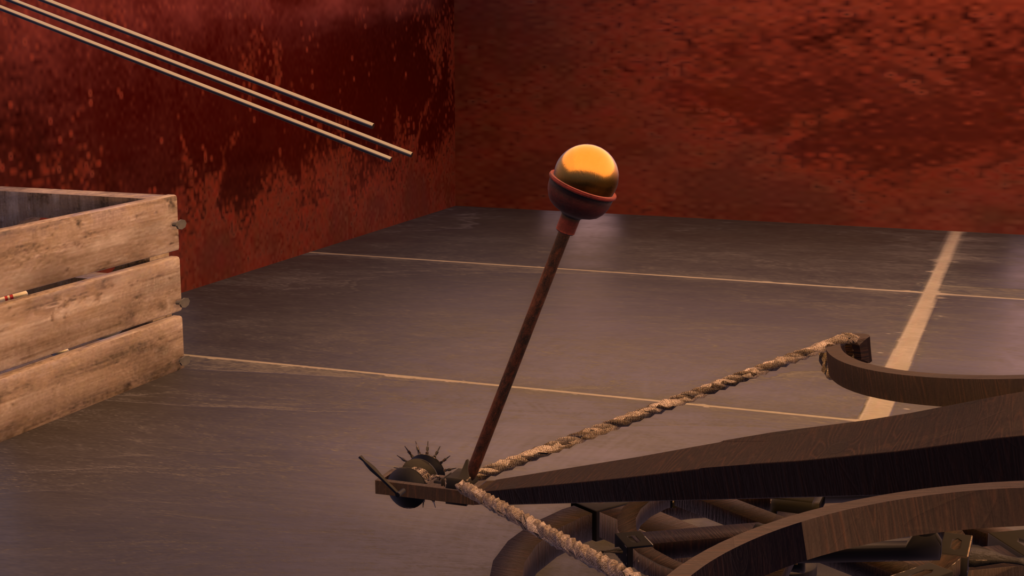
Plunger
It was really hard to get the ball to land just right
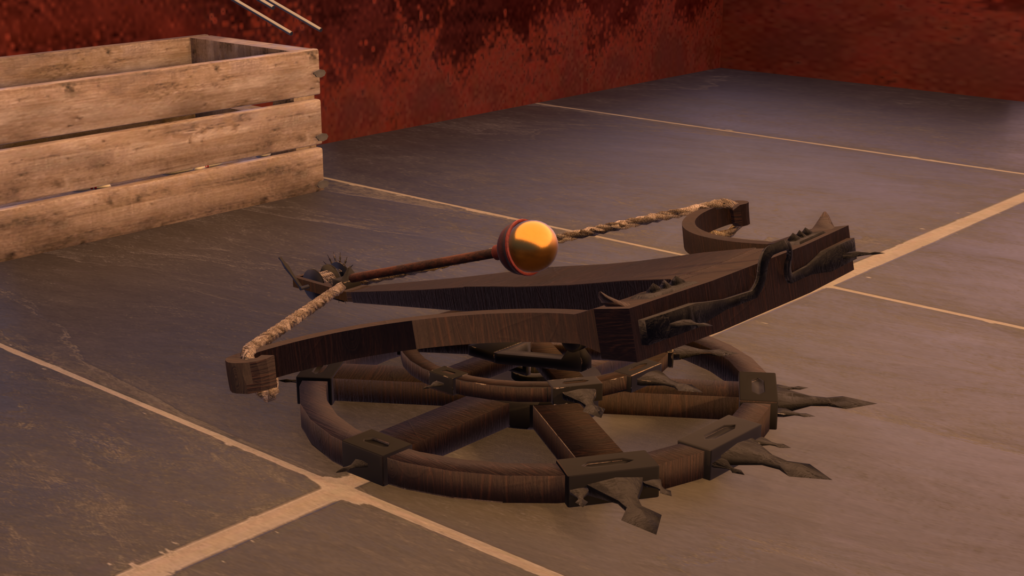
Ballista
There were so many polygons, I couldn’t actually use this for physics – I added an invisible plane to act as the collision surface.
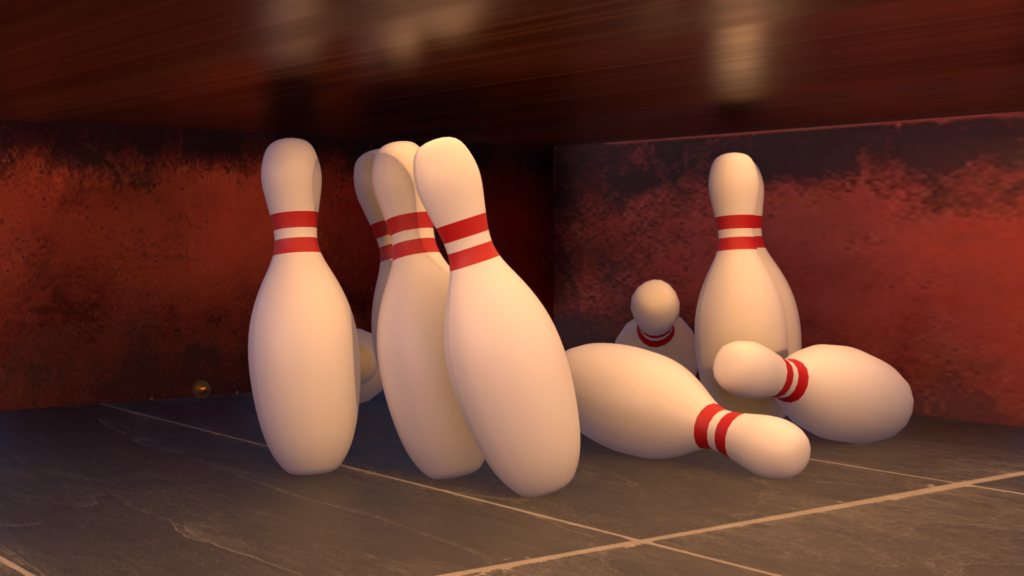
MEGA Bowling Pins
I left the rigid body properties the same as the regular bowling pins (with an updated bounding box) so that the ball would be able to knock them down.
Assets Used
“Bowling Alley Mozilla Hubs Room” (https://skfb.ly/6D8sy) by Lazanja is licensed under Creative Commons Attribution (http://creativecommons.org/licenses/by/4.0/).
Used with modifications
“Sketchbook 6 – [Bowling Pins]” (https://skfb.ly/6Xqyy) by StaticDisturbance is licensed under Creative Commons Attribution (http://creativecommons.org/licenses/by/4.0/).
“Simple Crate” (https://skfb.ly/6zswK) by Blender3D is licensed under Creative Commons Attribution (http://creativecommons.org/licenses/by/4.0/).
Trebuchet Model taken from: https://www.youtube.com/watch?v=Ak1_N9UXi5w
“Ballista” (https://skfb.ly/o6HJS) by RaDiCaL is licensed under Creative Commons Attribution (http://creativecommons.org/licenses/by/4.0/).
“Plunger” (https://skfb.ly/ID7X) by Yogensia is licensed under CC Attribution-NonCommercial-ShareAlike (http://creativecommons.org/licenses/by-nc-sa/4.0/).